Accept crypto payments on WooCommerce
Add Bitcoin, USDC, ETH, SOL and shielded Zcash to your WooCommerce store with the free Shieldz plugin. Non-custodial: every payment settles straight to a wallet you control, at a $0 platform fee. No code, works with classic and Blocks checkout.
1. Install the plugin
Download the plugin, then in WordPress go to Plugins → Add New → Upload Plugin, choose the zip, and activate. You can also install it from the WordPress.org plugin directory.
2. Enable the Shieldz gateway
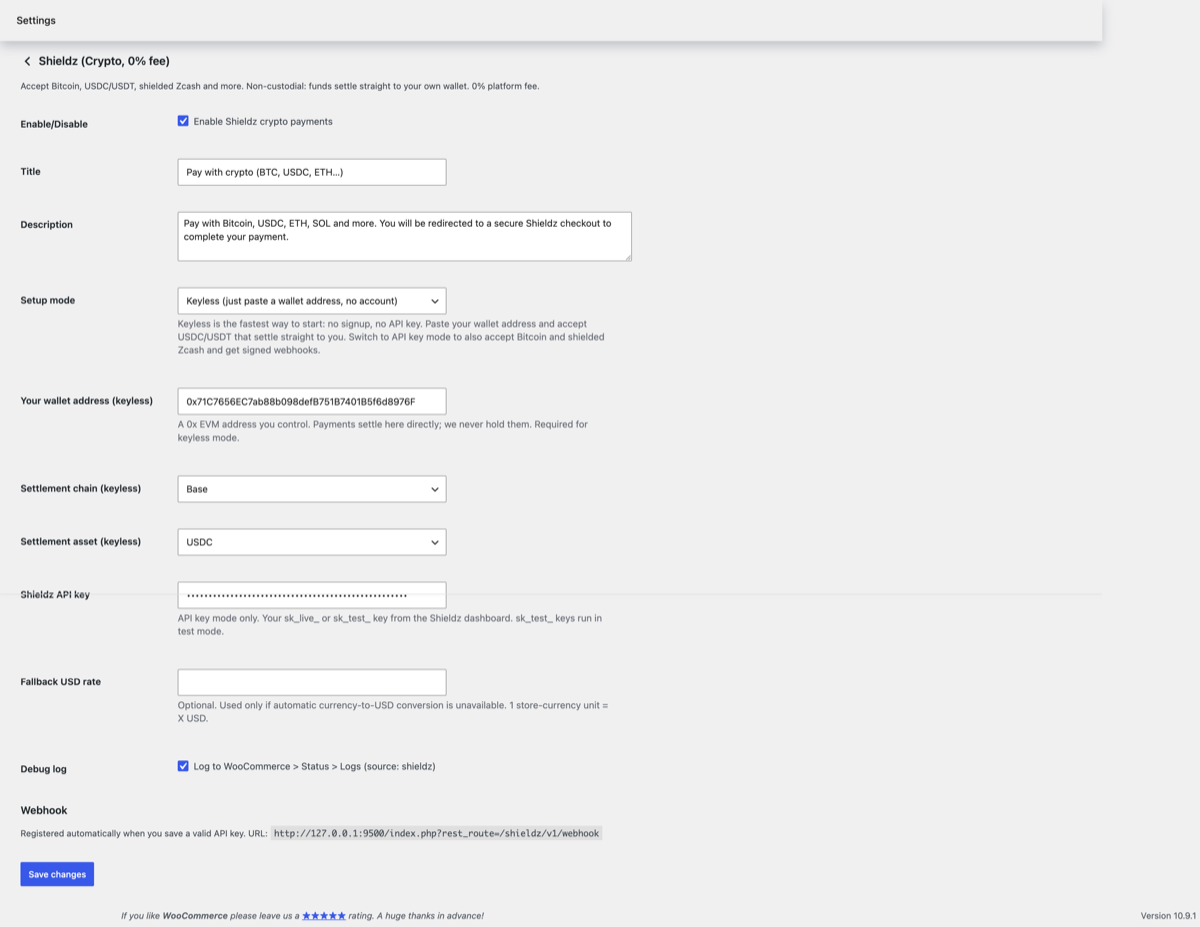
Go to WooCommerce → Settings → Payments, enable Shieldz, and open its settings. In keyless mode just paste the wallet address where you want funds to settle. For webhook reconciliation on high-volume stores, switch to API-key mode and paste a key from your dashboard, saving it registers the webhook automatically.
3. Buyers pick Shieldz at checkout
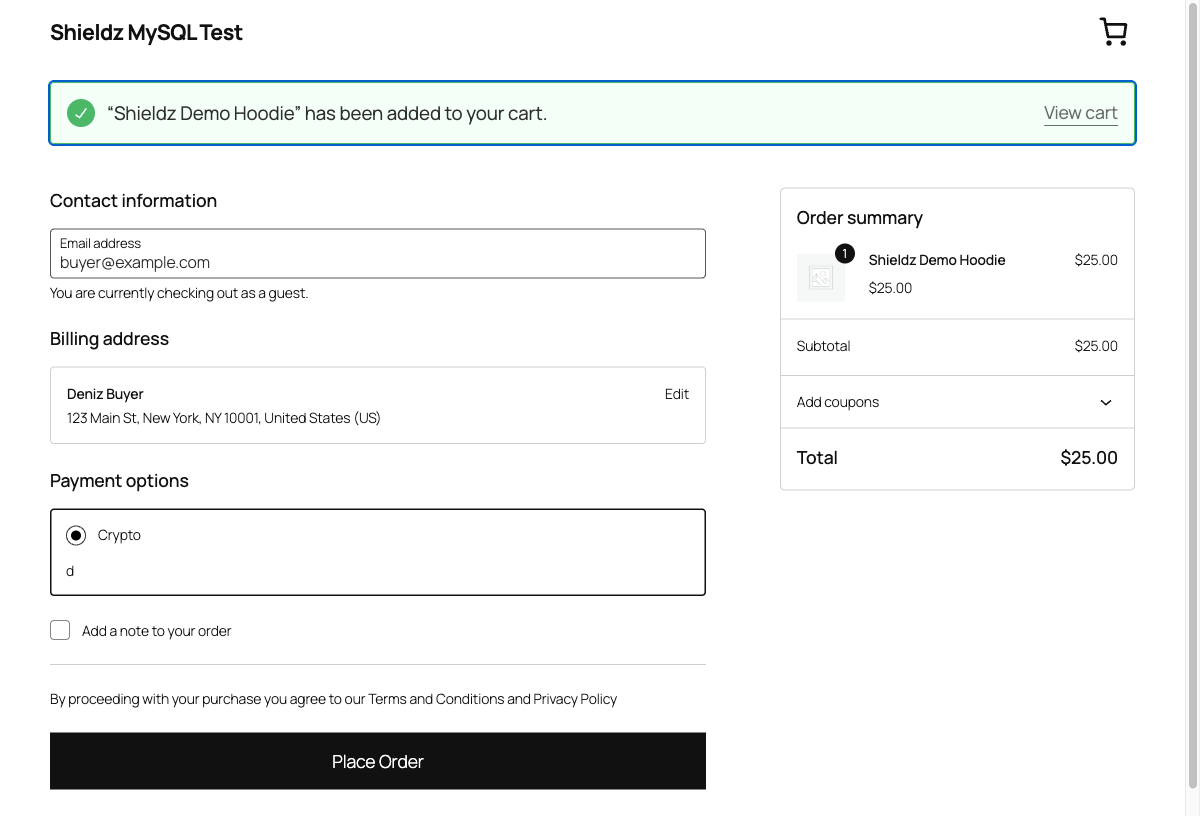
Shieldz now shows up as a payment method for your customers, on both the classic and Blocks checkout. They select it and place the order as usual.
4. They pay any coin, the order completes
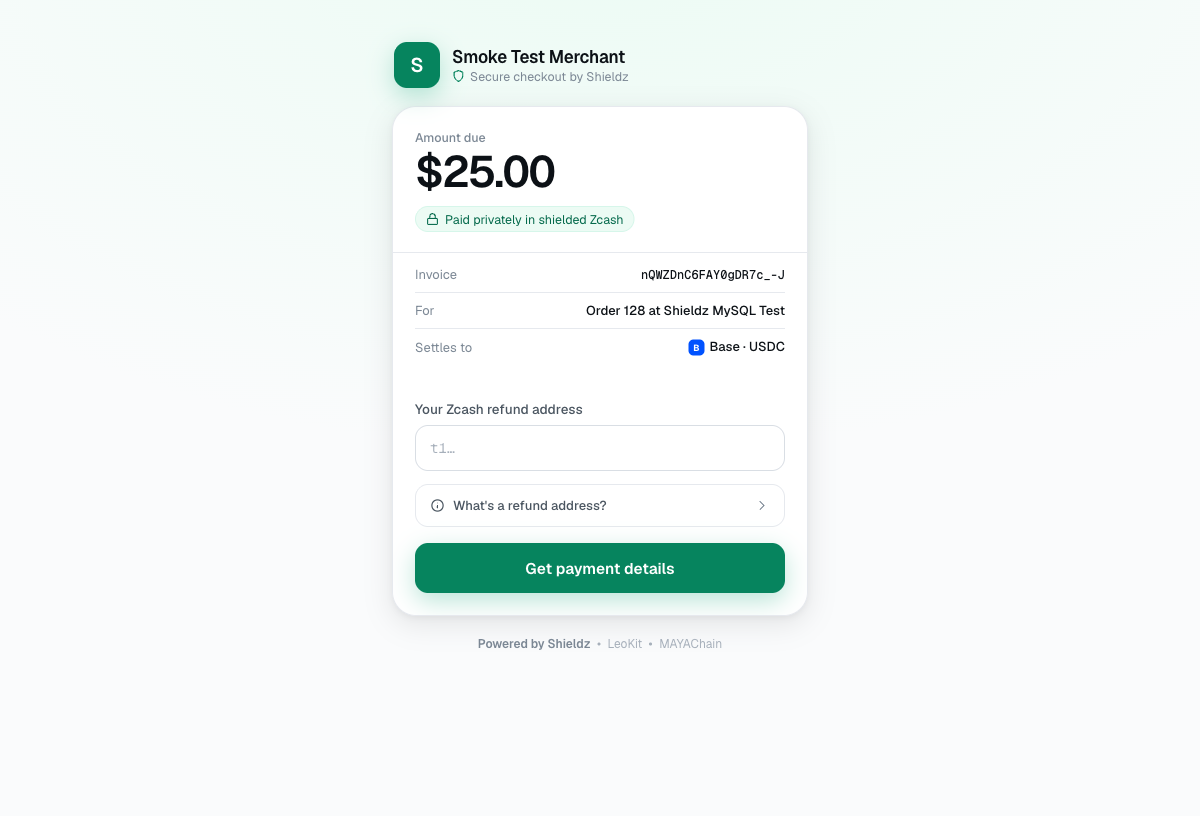
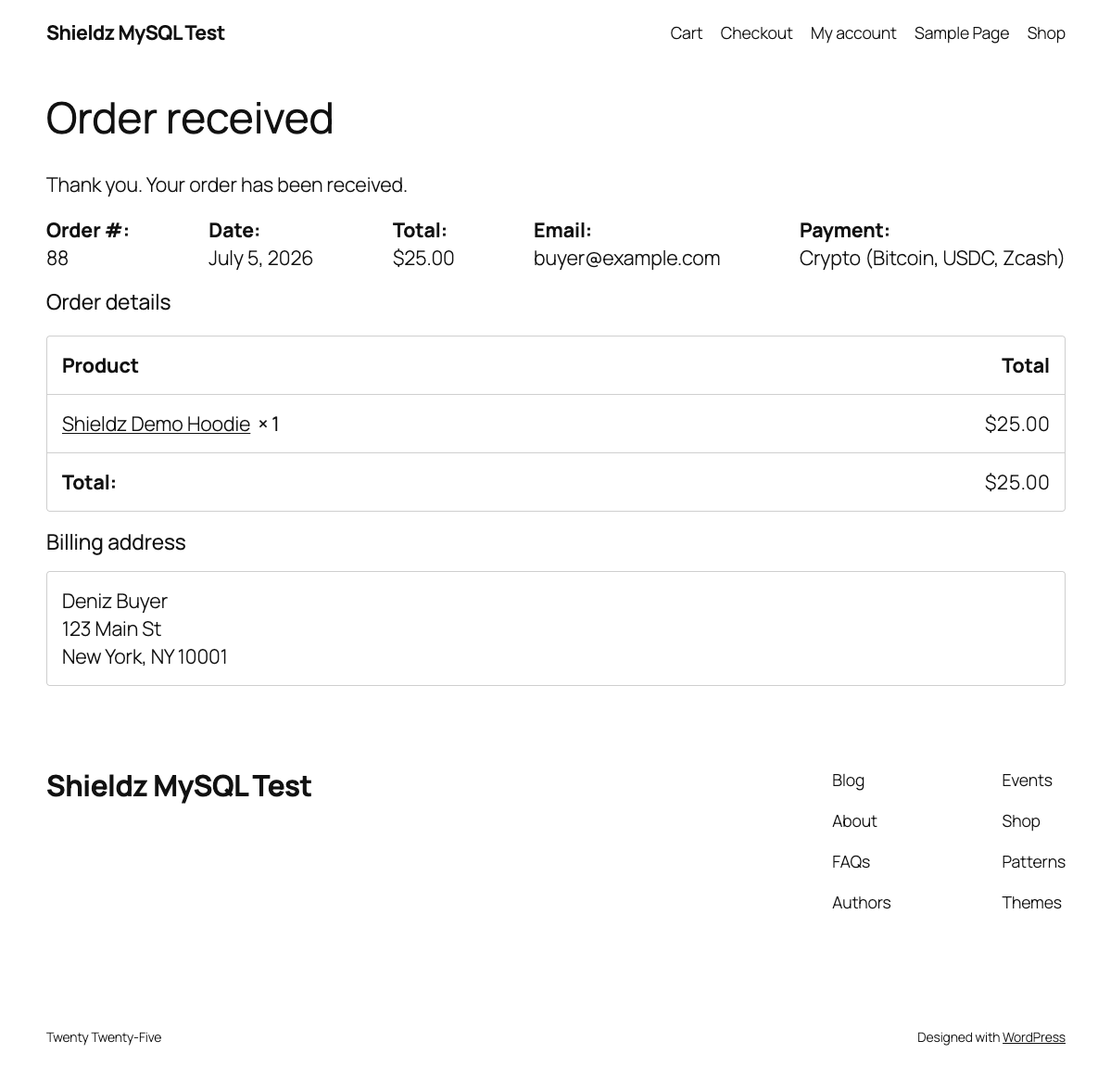
The buyer lands on the secure hosted Shieldz checkout, pays in any supported coin, and the funds settle to your wallet. WooCommerce marks the order paid automatically, no manual reconciliation, no chargebacks.
Keyless vs API-key mode
Keyless (fastest)
- Paste one wallet address, done
- No account, no API key
- Funds settle straight to you
- Best for most stores
API-key (advanced)
- Signed
invoice.paidwebhooks - Automatic reconciliation + retries
- Full order + payment history
- Best for high volume
FAQ
Is the plugin free?
Yes. The plugin is free and there is a $0 platform fee on payments, you only pay ordinary on-chain network fees.
Does Shieldz hold my money?
No. Shieldz is non-custodial, payments settle straight to a wallet address you control.
Do I need to write code?
No. Keyless mode is paste-one-address. API-key mode is an optional upgrade for webhook reconciliation.
Which coins can customers pay with?
Bitcoin, USDC, USDT, ETH, SOL, shielded Zcash and more. The buyer pays any supported coin and you settle to a stable asset like USDC.
Start accepting crypto on WooCommerce
Install the plugin, paste your wallet address, and take your first crypto order in minutes.
Prefer another stack? Guides for Next.js, PHP, Python, Laravel and more, plus the full SDKs.
Explore Shieldz
Crypto payment gateway: overview, non-custodial, Zcash.
Accept a coin: Bitcoin, USDC, USDT, Zcash.
Compare: vs Coinbase Commerce, vs BTCPay Server, vs ZGo, vs CryptAPI, vs NOWPayments, vs Cryptomus, vs BitPay, vs CoinGate, vs OpenNode, vs Plisio, vs BlockBee, vs CoinPayments.
Use cases: For freelancers, For creators, For open-source projects, For online stores, For SaaS, For VPN & hosting providers, For agencies, For nonprofits, For digital sellers.
Guides: Node.js, FastAPI, .NET, WooCommerce.
Build: SDKs, API reference, quickstart. Learn: overview, blog, how it works, supported coins, pricing, is it safe, verify it yourself.