 shield
How to Accept Crypto Payments on WooCommerce (Free, Non-Custodial)
Shieldz Swap Swap now with shieldz.cash Any coin, any chain · 0.15% fee · no account Swap nowIf you sell on WooCommerce, adding crypto is usually pitched as a trade-off: give a third party custody of your money, pay a monthly fee, and hope they pay out on time. It does not have to work that way. This guide shows how to accept Bitcoin, USDC, ETH and more on WooCommerce with the free Shieldz plugin, where the money settles straight to a wallet you control, at a $0 platform fee.
It takes about five minutes and no code. This is one of four guides for the same plugin, the others cover crypto donations with GiveWP, selling digital downloads for crypto with EDD, and food orders with RestroPress. One plugin, four platforms.
Why non-custodial matters for a store
A custodial gateway holds your customers’ payments and pays you out later. That means a balance that can be frozen, a payout schedule you do not control, and a company that can change its terms. Non-custodial flips it: the buyer pays to an address derived from your own wallet, Shieldz watches the chain, confirms the payment, and the funds are already yours. There is nothing to withdraw and nothing to freeze. If you want the deeper version, see what a crypto payment gateway actually is.
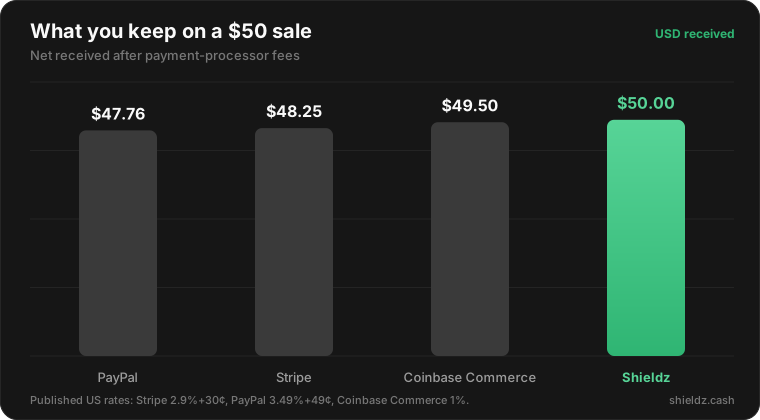
The other thing a store owner feels immediately is fees. Card processors take a percentage of every sale; Shieldz takes zero. On a single $50 order that is the difference between keeping $47.76 and keeping all $50.
Step 1 — Install the plugin
Download the plugin, then in WordPress go to Plugins → Add New → Upload Plugin, choose the zip, and click Activate. It also installs straight from the WordPress.org directory. The plugin supports the classic shortcode checkout, the newer Cart/Checkout Blocks, and High-Performance Order Storage (HPOS) out of the box.
Step 2 — Enable the Shieldz gateway
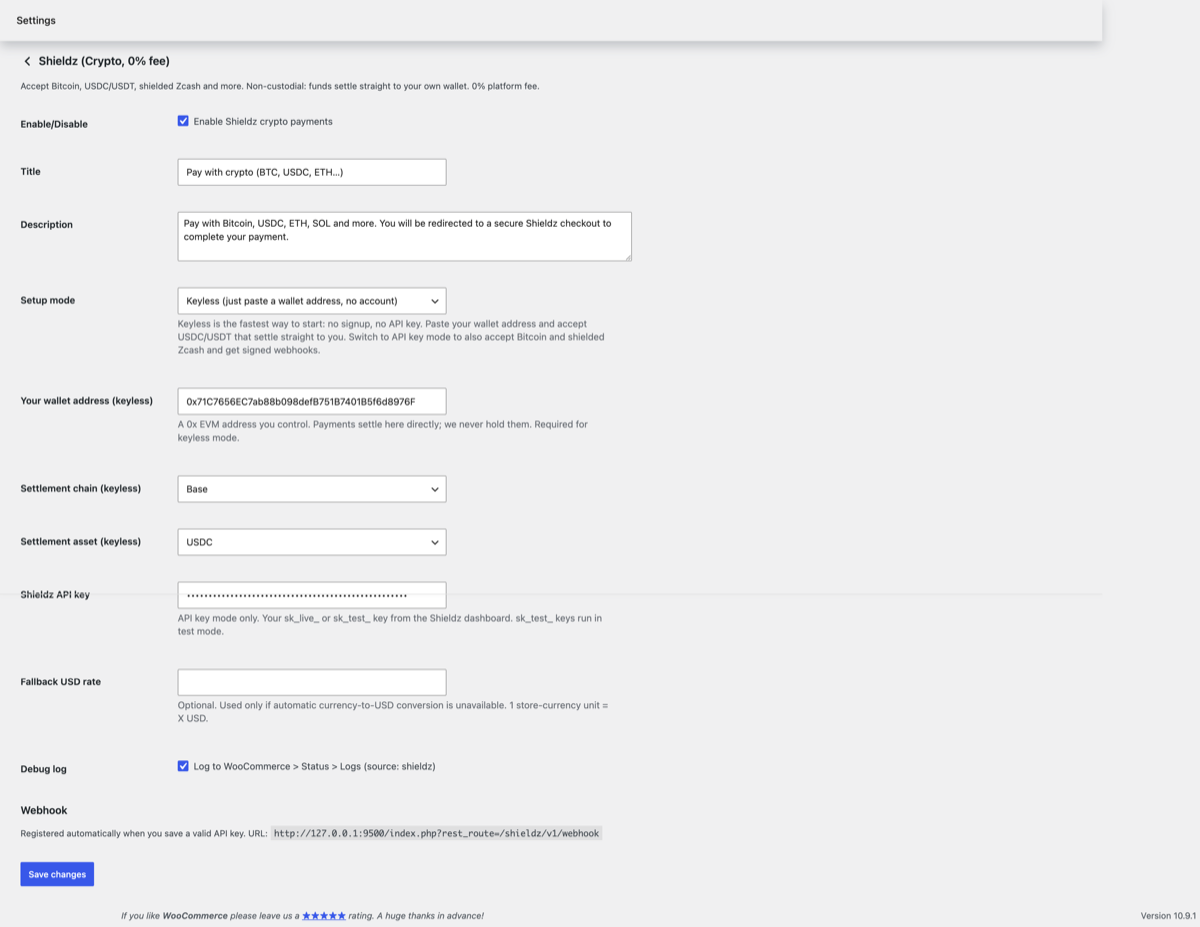
Go to WooCommerce → Settings → Payments, enable Shieldz, and open its settings. You have two modes:
- Keyless (fastest): paste the wallet address where you want funds to settle. No account, no API key. Best for most stores.
- API key: paste a key from your Shieldz dashboard for signed webhooks and automatic reconciliation. Best for high volume.
Step 3 — Buyers pick Shieldz at checkout
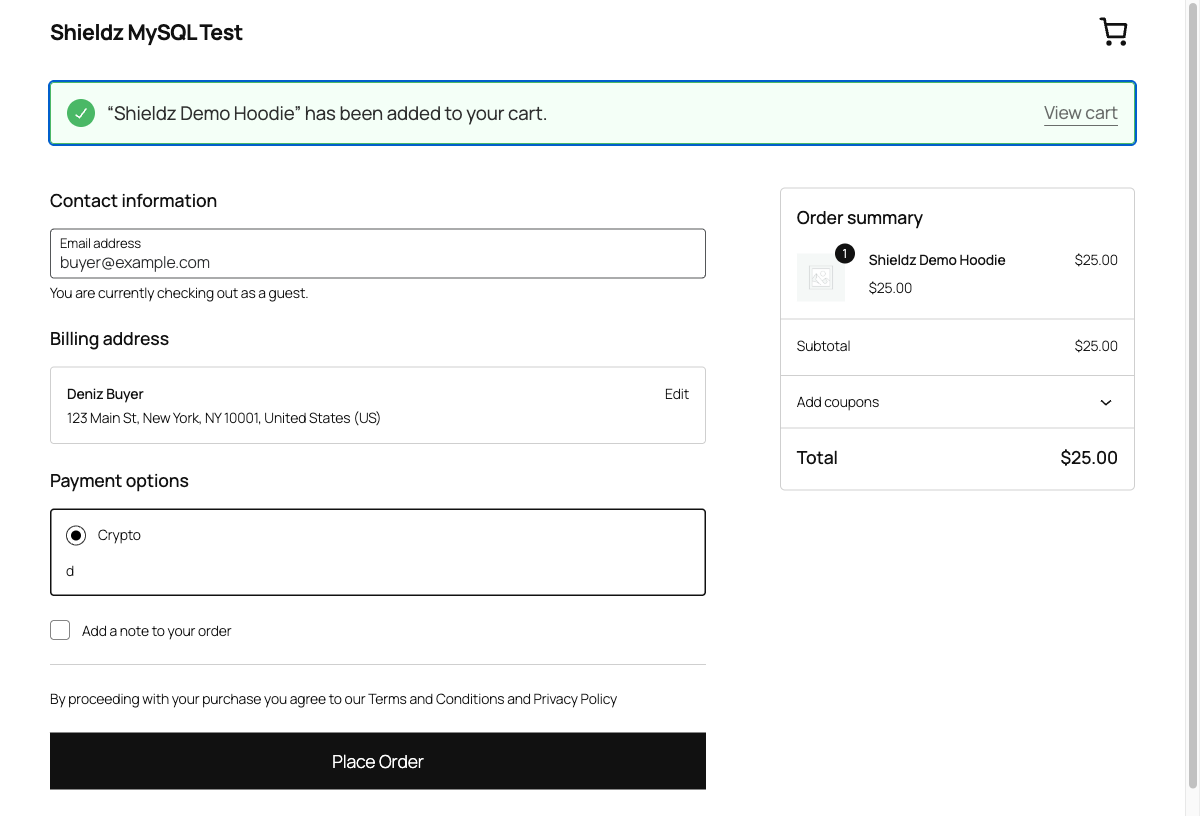
Shieldz now appears as a payment method for your customers, on both the classic and the Blocks checkout. They select it and place the order like any other payment.
Step 4 — They pay any coin, the order completes
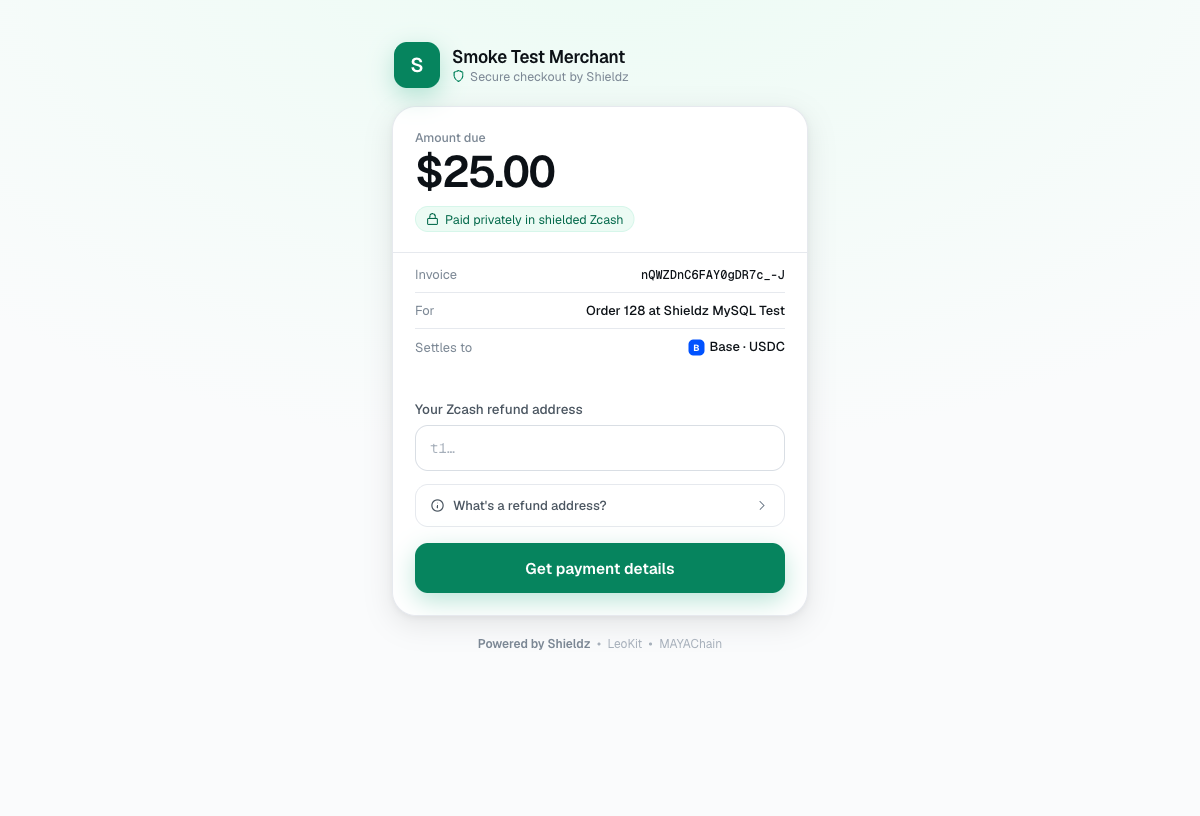
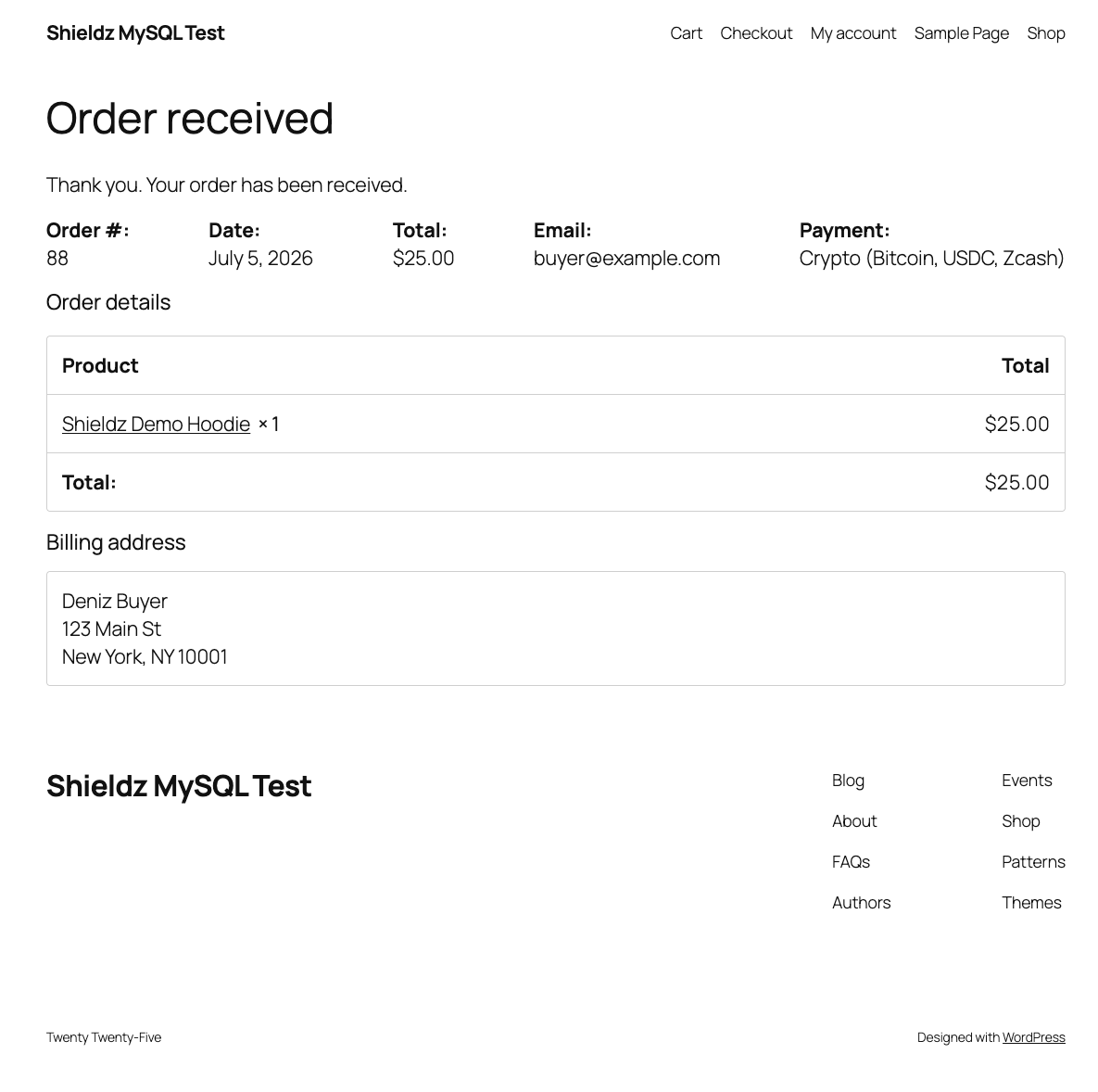
The buyer lands on the secure hosted Shieldz checkout, pays in any supported coin — Bitcoin, USDC, USDT, ETH, SOL, shielded Zcash and more — and the funds settle to your wallet. Because it is pay-with-any-coin, you are not asking customers to already hold your settlement token. WooCommerce marks the order paid automatically, so there is no manual reconciliation.
What your customers can pay with
Buyers pay any supported coin and you settle to a stable asset like USDC on the chain you choose. The full flow, the fee model, and the coin list are covered in how to accept crypto payments and on the WooCommerce landing page. If you are weighing options, our roundup of the best free crypto payment gateways in 2026 puts the fee-free, non-custodial gateways side by side.
FAQ
Is the plugin free? Yes, and there is a $0 platform fee on payments. You only pay ordinary on-chain network fees, which the buyer covers.
Does Shieldz hold my money? No. Payments settle straight to an address you control.
Do I need to write code? No. Keyless mode is paste-one-address.
Does it work with WooCommerce Blocks? Yes, both classic and Blocks checkout, plus HPOS.
Get started
Download the plugin, paste your wallet address, and take your first crypto order today. Prefer to see the API instead? Read the developer docs. Running donations, digital products or online food ordering on the same site? The same plugin also powers GiveWP donations, Easy Digital Downloads and RestroPress.
